
Practical tech help for your home.
From computer repairs and new-device setup to home Wi-Fi and remote-work troubleshooting, V7 Tech helps individuals and households get everyday technology working again.
Computer repair, home Wi-Fi and more.
Choose the type of help you need. Remote and on-site options depend on the issue, your location and availability.
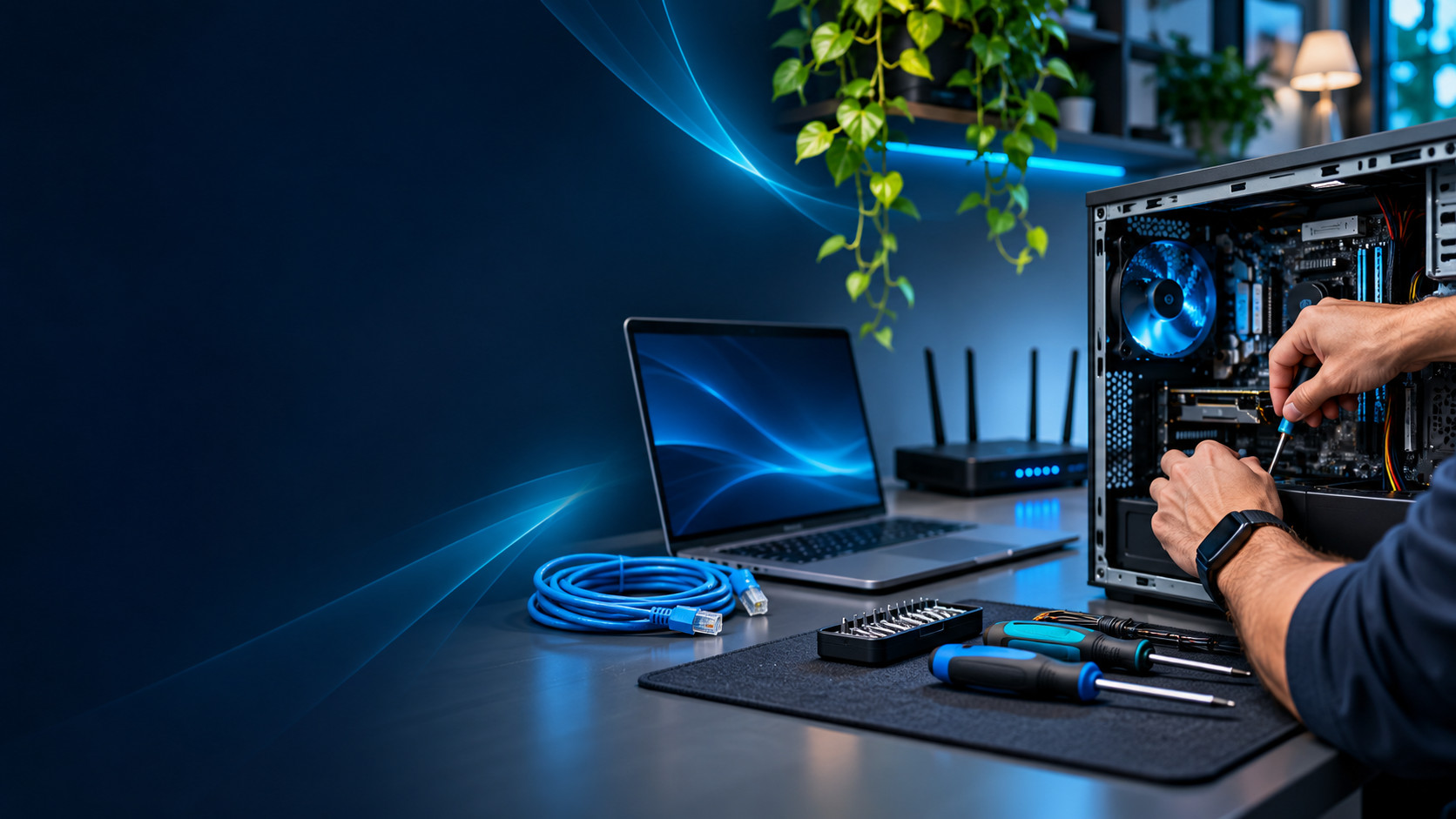
Home Computer & Laptop Repair
Practical help with slow, unreliable or malfunctioning desktop and laptop computers. We assess the cause, explain repair options and help you decide whether repair or replacement makes sense.
Explore home service →
Home Wi-Fi & Networking
Reliable home connectivity for laptops, phones, TVs, smart devices and workstations. We can assess coverage, router configuration, device connections and practical upgrade options.
Explore home service →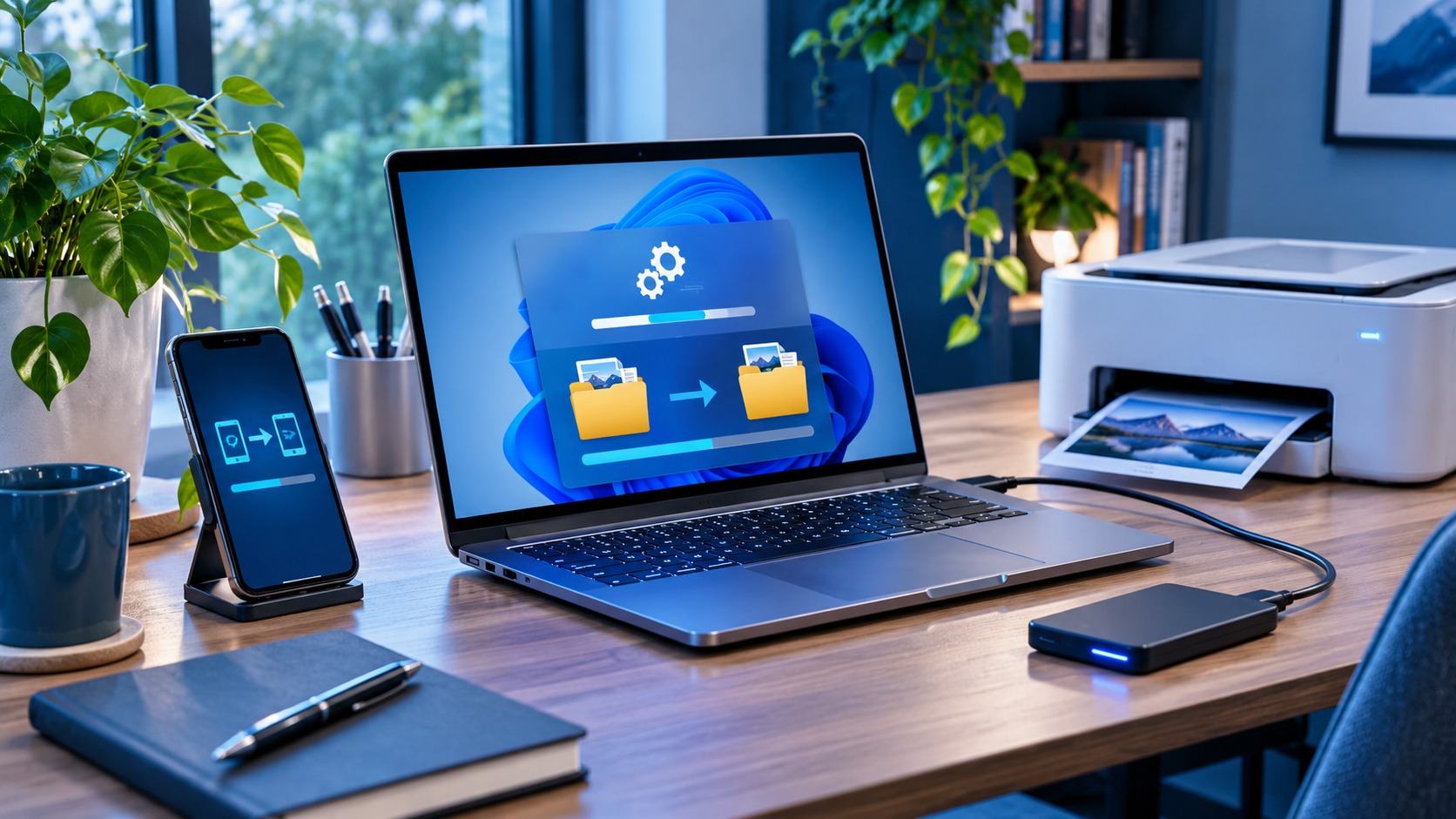
Home Devices, Printers & Data Transfers
Get your new computer, printer or everyday technology working properly without spending your weekend troubleshooting setup screens and connectivity errors.
Explore home service →
Home Office & Personal Tech Support
Help make your home workstation dependable for everyday use, remote work and personal productivity. From video calls to printers and backups, we can troubleshoot common issues.
Explore home service →Move to a new PC while keeping your familiar setup.
When hardware, operating systems and licensing allow, we can clone or migrate your existing Windows installation to another computer. This can preserve your files, installed programs, user profiles and settings so you may not need to reinstall everything or set up your workflow from scratch.
We check storage health, compatibility, activation and backups first, then verify the new computer after migration. Some applications or drivers may still require reactivation or adjustment, and no migration can promise zero data loss in every circumstance.
Ask about PC cloningCan you clone my old PC to a new one?
Often, yes. Rather than simply copying documents, a full system migration may retain compatible applications, settings and accounts. We assess the existing drive and new hardware to identify the best path, minimize disruption and plan a verified backup.
What typically transfers?
- Personal files, documents and user profiles
- Many installed applications and settings
- Configured productivity tools and Windows preferences
- Supported operating system installations and data
Compatibility, activation, damaged storage, encryption and specialized applications can affect what transfers successfully.
Experienced help, without complicated plans.
Describe the problem, tell us what equipment is affected, and we'll discuss the most practical next steps. We can help evaluate whether a computer should be repaired, upgraded or replaced.
For software issues, remote assistance may be appropriate. Other issues may require an on-site visit or physical device inspection. Availability and pricing are confirmed before work begins.
Contact us about home ITReady for IT that works better?
Tell us what your business needs. We'll help you identify a practical next step.